Play on your phone, no download 📱
You don't need to install anything: open yallaellab.com in Chrome on Android or Safari on iPhone, pick a game and press “Play now”, and it fills the screen straight away. All 92 games are free with no sign-up, and every one has touch controls.
Nothing is installed and no storage is used up, and new games appear on the site without updating anything.
How to play
- Open your browser, Chrome or Safari, and go to yallaellab.com.
- Pick a game from the home page or from “All games”.
- Press “Play now”: on Android the game opens full screen, and on iPhone it covers the whole page.
- If the game is wide, it asks you to turn the phone sideways; you can also carry on without turning it.
- To leave the game, press ✕ or the back button.
Good games on a phone
Start with any of these: they all play by touch.
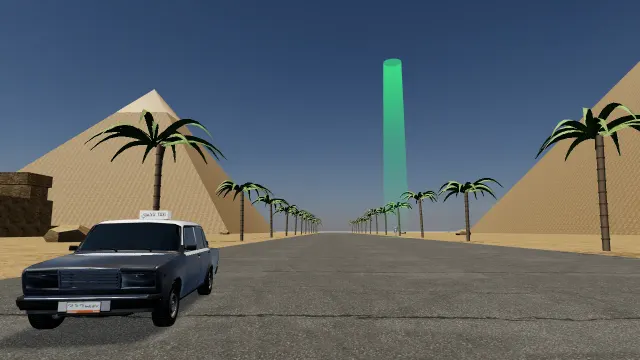
Egypt Taxi
Pick up fares all over Cairo before the clock runs out
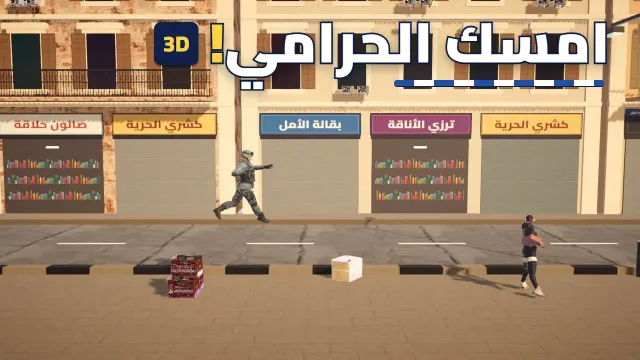
Catch the Thief
Chase the thief through Cairo and catch him
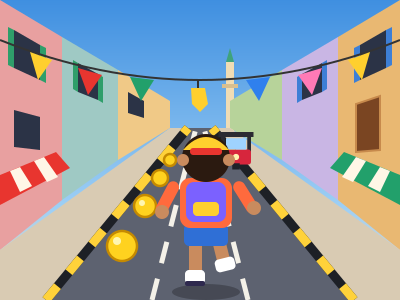
Street Runner
Dash down the street, grab coins, dodge the tuk-tuks
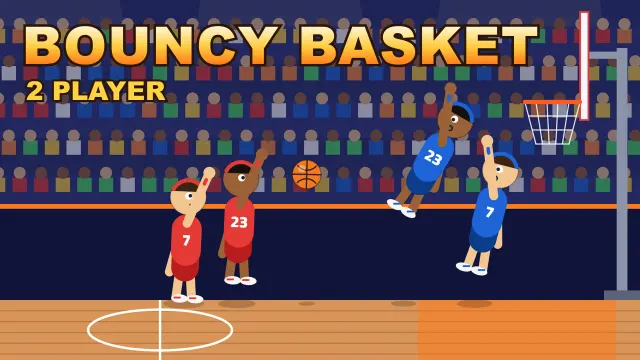
Bouncy Basket
One-button 2v2 hoops with a new twist every point
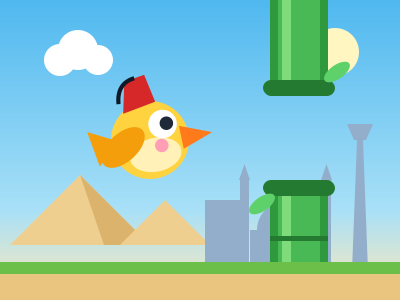
Flying Bird
Tap to flap and fly between the poles
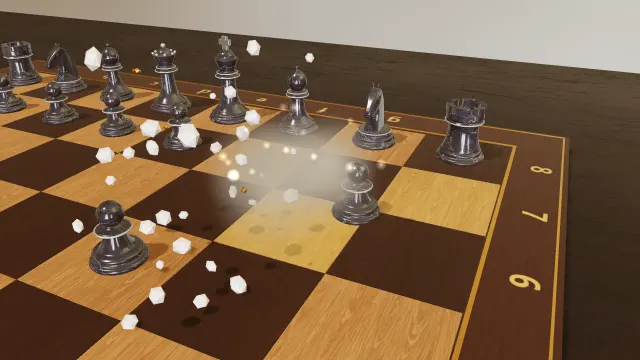
Chess 3D
Real chess, and every capture is a fight
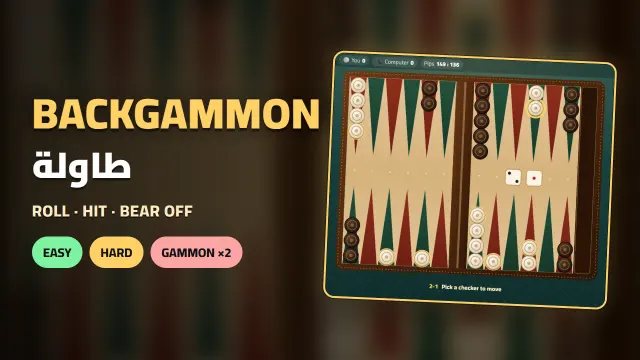
Backgammon
Roll the dice and bear off before the computer
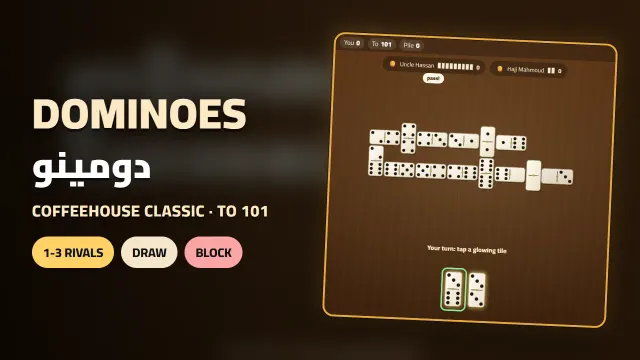
Dominoes
Match the ends and empty your hand first
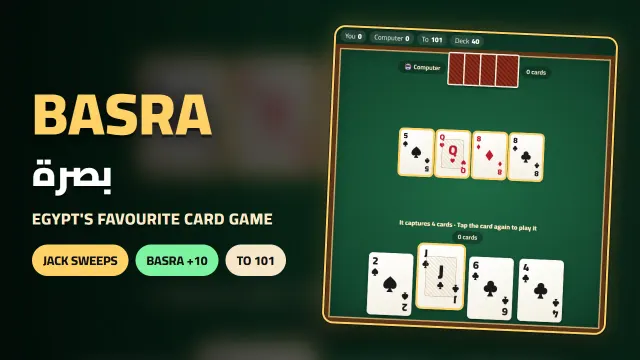
Basra
Capture the table and score a Basra for 10
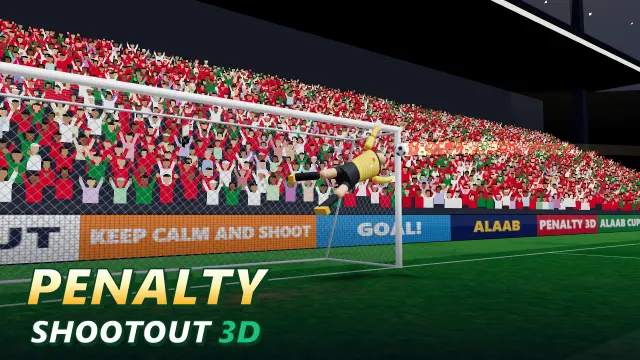
Penalty Shootout 3D
Bend it into the top corner, then dive to save
Good to know
- Safari on iPhone has no real full screen for web pages, so the game covers the page instead.
- The big 3D games are a bigger download, so they're best opened on Wi-Fi.
- Playing needs an internet connection, and scores and progress are saved in the browser on that phone only.
- In Tank Battle and Head to Head Football, two-player mode needs a keyboard; on a phone you play the computer.
Questions and answers
Do I need to install an app?
No. The site itself works on phones in the browser, with nothing to download.
Do the games work on iPhone?
Yes, in Safari or Chrome on iPhone, and the game covers the whole page while you play.
Do the games take up storage?
No, nothing is installed. The browser keeps temporary files like it does for any site, and you can clear them in its settings.
Can I play offline?
No, the games need an internet connection to open.